
The admin GUI
A visual walkthrough of the /event menu — start, delayed start, per-model reward editor and landing wand.
Everything is run from one command — /event — which opens the management menu. No config files to touch for day-to-day use; pick a model, click, done.
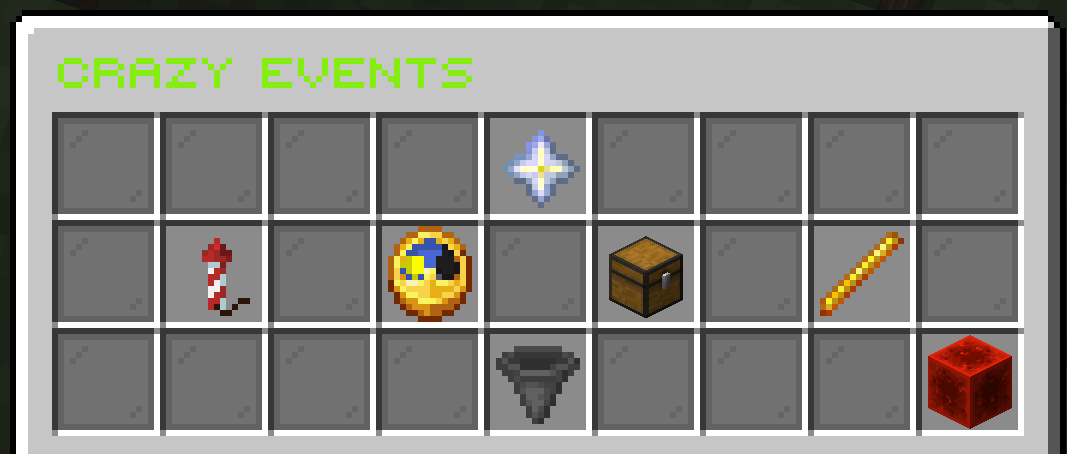
/event — the management menu: start, delayed start, reward editor, landing wand, crate count and stop.The main menu
| Button | Action |
|---|---|
| ▶ Start Event | Opens the model picker, then starts the chosen craft right away. |
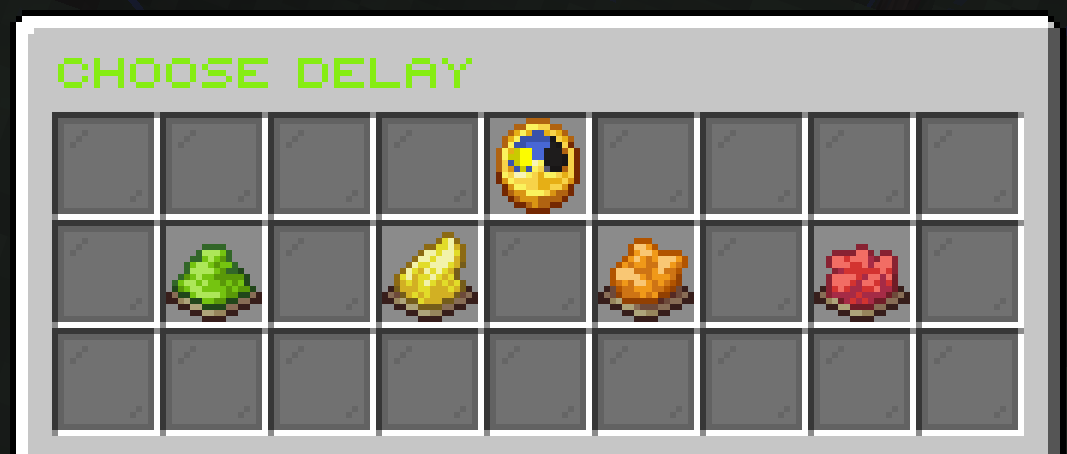
| ⏱ Delayed Start | Picks model + variant, then a delay (30s · 1m · 5m · 10m) before it fires. |
| 🎁 Edit Reward Pools | Opens the per-model loot editor — drop in your own items. |
| 🪄 Set Landing Areas | Hands you a per-model landing wand. |
| 📦 Crate Count | Left-click +5, right-click −5, hold Shift for ×5 (clamped to the configured min/max). |
| ⏹ Stop Event | Stops the running event and clears any crates. |
The Crazy Events info star at the top shows live status: current state, each model’s landing (✔ saved / def) and how many items are in each reward pool.
Starting an event
Start Event opens the model picker. CrazyEvents ships with three fully-animated models, and the picker is built to grow.
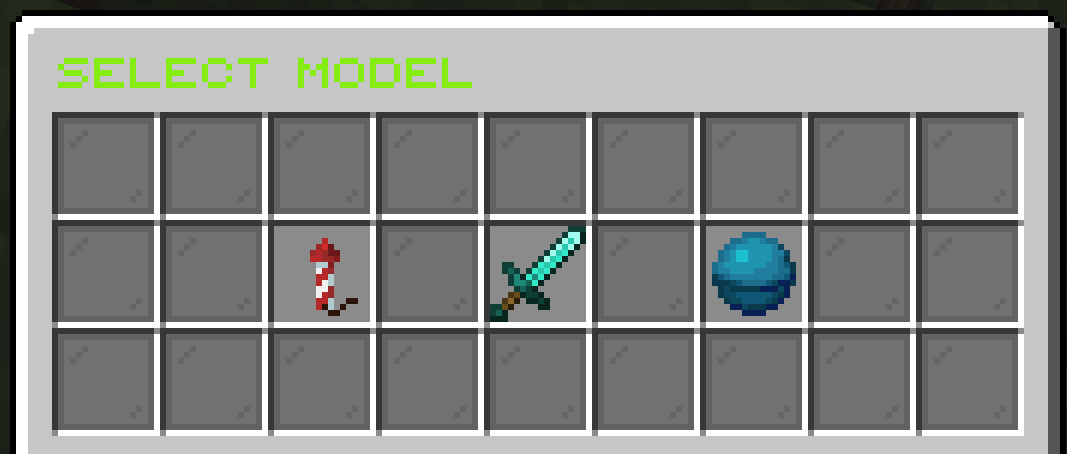
Each model leads to its own variant screen.
🚀 Rocket — pick a mode
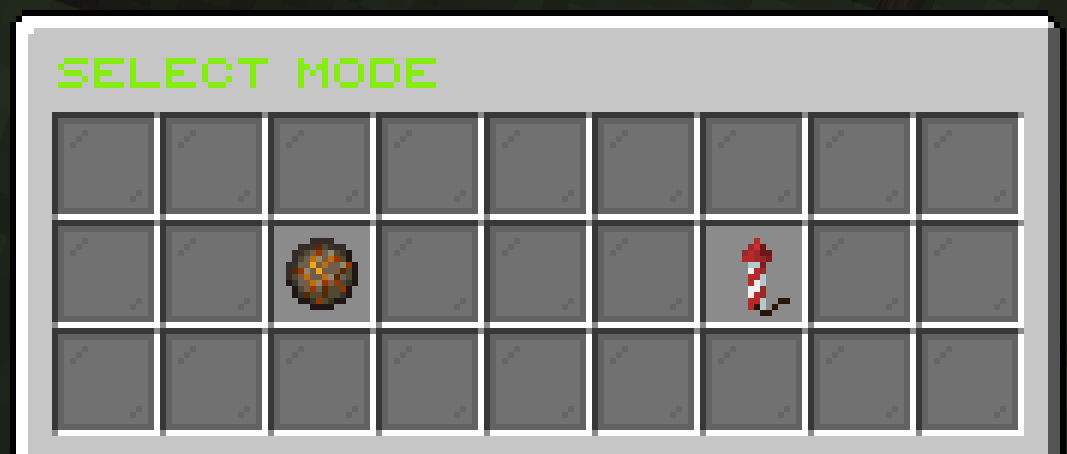
- ⬇ Descent — the shuttle descends from the sky, lands, its boosters topple over and it explodes on the ground.
- ⬆ Liftoff — a 3-2-1 countdown, then it lifts off, rises and explodes in mid-air; the crates rain straight down.
🛸 UFO — pick an animation
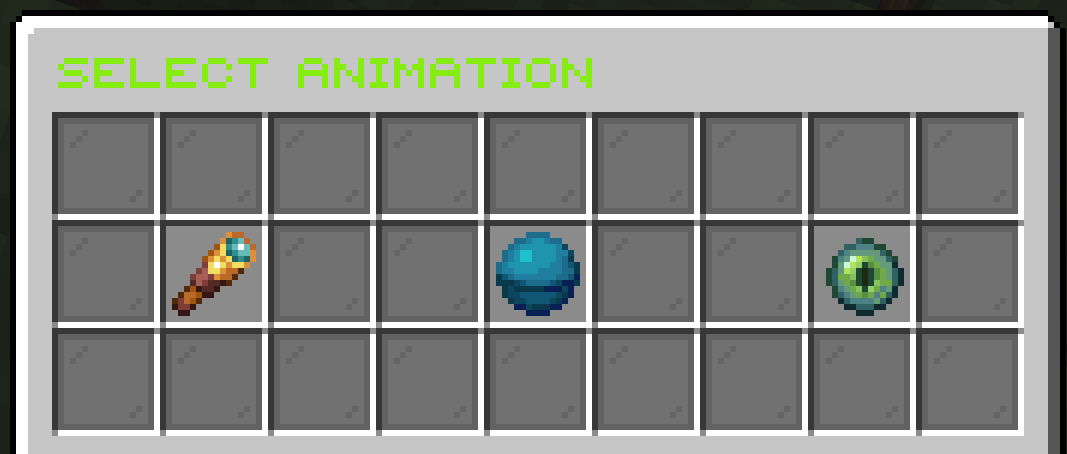
- 📡 Hover & Scan — hovers and sweeps the ground with a search beam, then drops crates and leaves.
- 🛸 Tractor-Beam Abduction — a wide beam lifts nearby players, holds them, then sets them down gently (zero fall damage).
- ⚡ Warp Departure — charges up and blinks away in a flash, raining crates from the sky.
🦖 Godzilla vs Steve — pick a fight
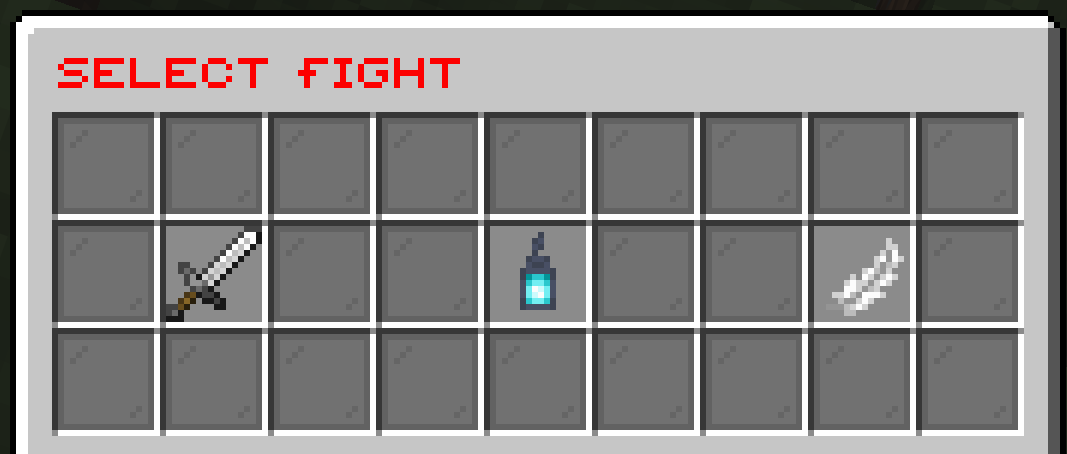
- ⚔ Sword Duel — Steve dashes in, trades overhead chops with the claw swipes, then lands a heavy finisher.
- ☢ Atomic Rampage — the dorsal fins glow and it fires an atomic-breath beam; Steve charges through and impales the chest.
- 🗡 Aerial Finish — Steve leaps high, hangs at the apex, then plunges the sword straight down into the skull.
Delayed start
Delayed Start runs the same model → variant flow, but in schedule mode (note the green title) — nothing fires yet.
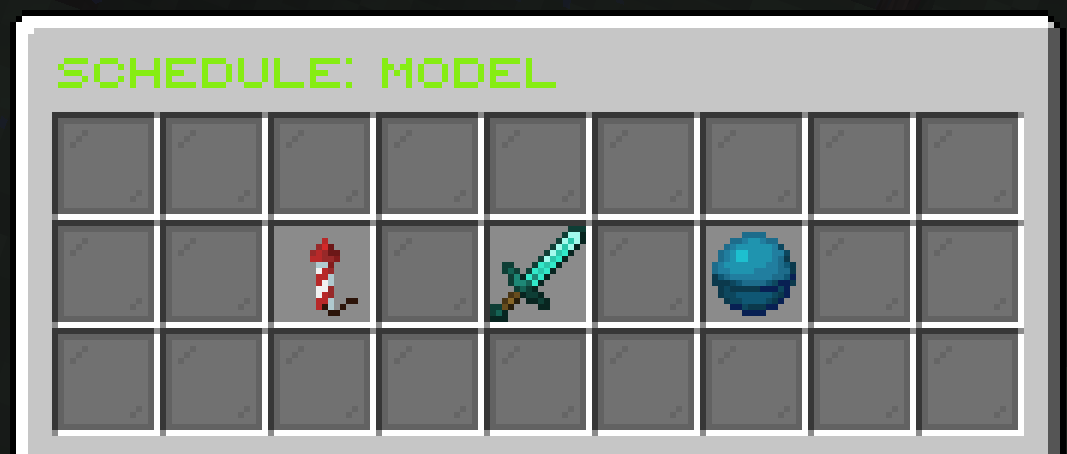
After you pick the model and its variant, you choose how long until it begins:
Reward pools
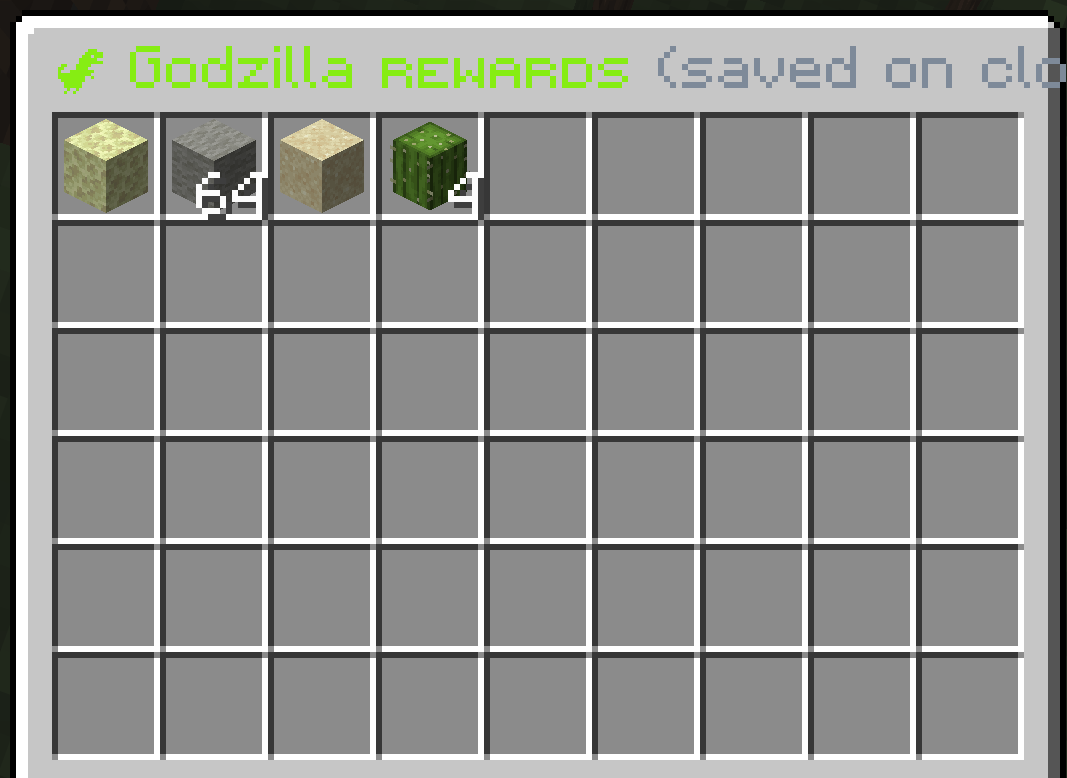
Edit Reward Pools first asks which model’s loot you want to edit — every model has a separate pool.
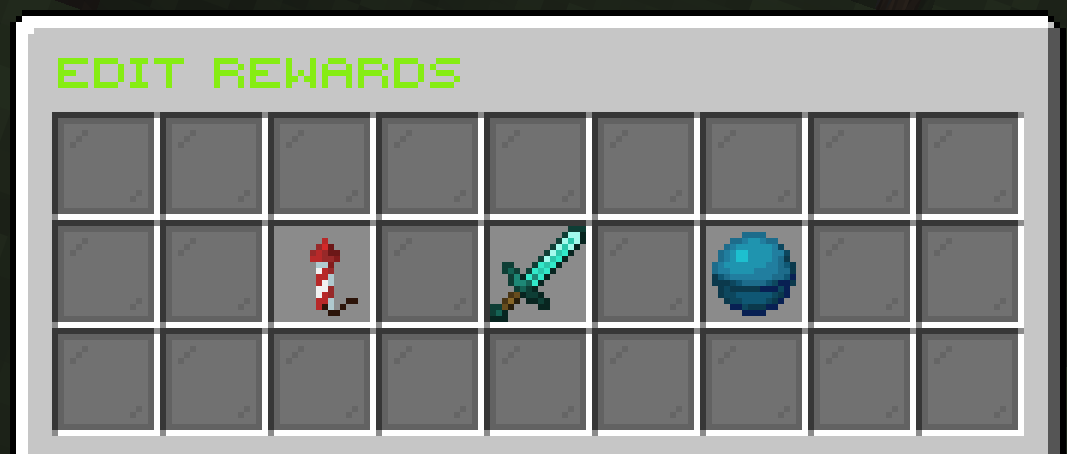
Picking one opens a free editor. Drag in items straight from your own inventory — they become the reward templates for that model’s crates. Close the window to save.
Landing areas
Set Landing Areas lets each model land in its own spot. Pick a model to get its wand — the button shows that model’s current landing.
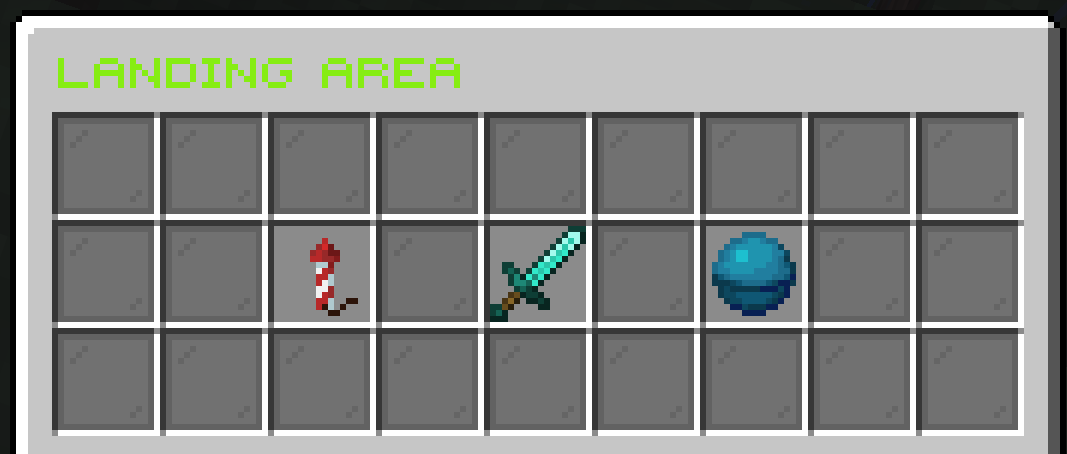
Right-click the ground with the wand to set the spot. The direction you’re facing becomes the craft’s heading, and the landing is saved to disk — it survives a restart.